
My Aadhaar Login: Step-by-Step Guide to Access Aadhaar Services
Accessing your Aadhaar details online has never been easier. The My Aadhaar portal is a one-stop destination for all your Aadhaar-related needs.
Why Login to My Aadhaar?
Logging into the My Aadhaar portal allows you to access a wide range of services without visiting an enrollment center. Once logged in, you can:
- Download e-Aadhaar
- Order Aadhaar PVC Card
- Update Address Online
- Check Linking Status
- Generate Virtual ID (VID)
- Lock/Unlock Biometrics
How to Login to My Aadhaar Portal
Visit the Official Website
Go to the official UIDAI website or directly visit the My Aadhaar portal at myaadhaar.uidai.gov.in .
Security Tip: Always verify that the URL starts with https:// and contains uidai.gov.in before entering any details.
Click on Login
On the homepage, look for the Login button, usually located prominently on the screen. Click on it to proceed to the authentication page.
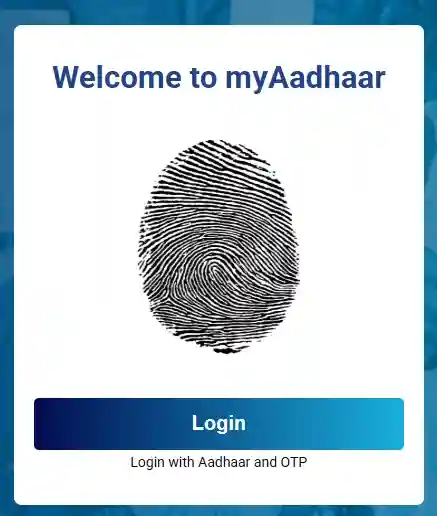
The login button on the My Aadhaar homepage
Enter Aadhaar Number and Captcha
You will be asked to enter your 12-digit Aadhaar Number. Below that, you will see a Captcha code. Enter the characters exactly as shown in the image.
After entering both, click on the "Send OTP" button.
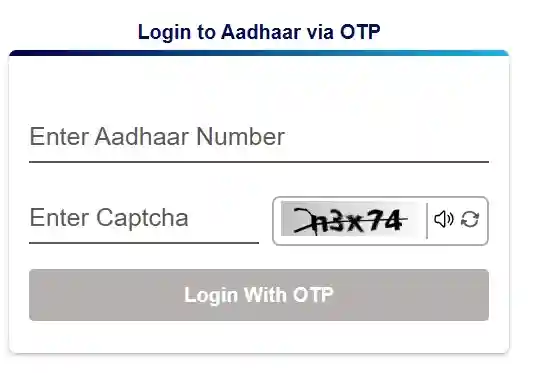
Enter your Aadhaar details carefully
Enter OTP
A One-Time Password (OTP) will be sent to your registered mobile number. Check your phone for an SMS from UIDAI.
Enter the 6-digit OTP in the designated field and click "Login".
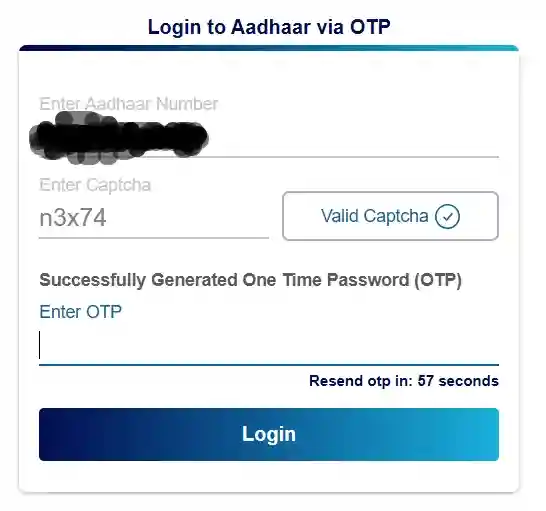
Enter the OTP received on your mobile
Access Your Dashboard
Congratulations! You are now logged in. You will see your dashboard with various service options.
You can now proceed to update your address, download your Aadhaar card, or use any other available service.
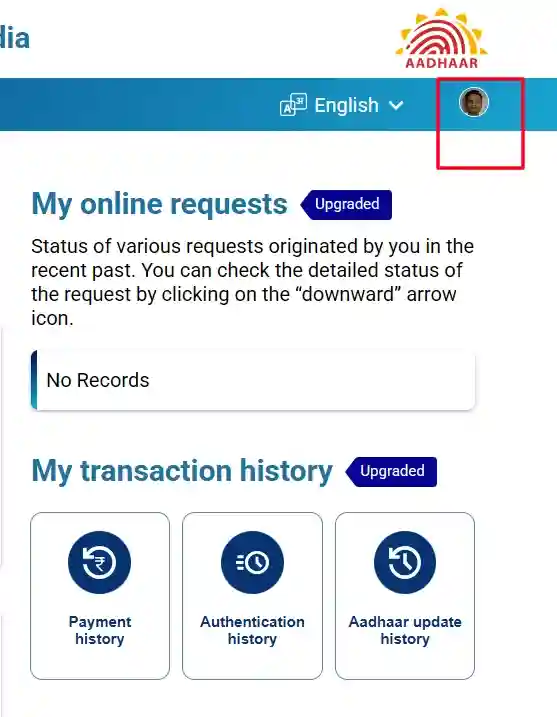
Your personal Aadhaar services dashboard